
Tutorial · Gmail


Triage your inbox on autopilot
Stop endless scrolling. ELRIC reads Gmail, keeps what matters (quotes, urgent…), and delivers an actionable digest in 5 minutes of setup.
Read + summarize · Sensitive sends stay draft · EU
I already have an account · Elric guides you on this goal only after you sign in.
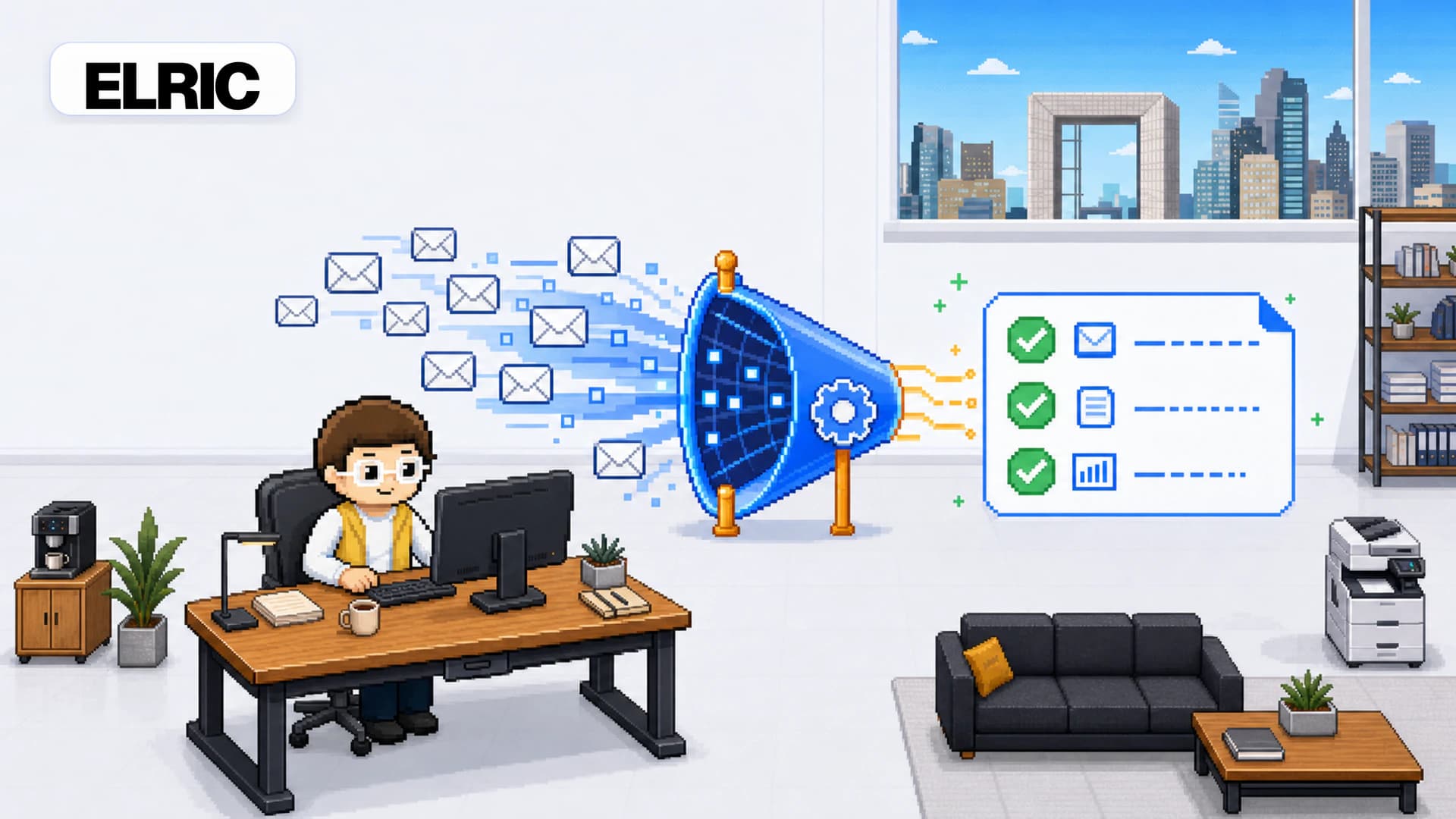
Sorted inbox · actionable summary every day
Express tutorial: deliver on the promise
Create your account and connect Gmail
Sign up, then connect Gmail from Agents → Connections (isolated Composio OAuth).
Create the mission in one sentence
Agents → Missions. State the exact filter and delivery channel (email or Telegram).
Watch Gmail and only alert me on new emails whose subject contains “Quote” or “Urgent”. Summarize sender, subject and suggested next action. Never reply to any email automatically.
Keep the realtime trigger when offered
For Gmail “new email”, ELRIC can provision a native Composio trigger. Otherwise a short poll interval covers you.
Structured conditions (subject contains X) avoid burning budget on noise.
Review the first digest and tighten the filter
On the first run, check relevance. Edit the mission phrase to narrow or widen the filter.
What you get in 5 minutes
- Gmail connected
- Active monitoring mission
- Explicit business filter (keywords / urgency)
- Email or Telegram delivery configured
Quick FAQ
Will ELRIC reply to my clients on its own?
Not by default. A digest mission reads and summarizes. Any reply or sensitive send stays draft + approval.
Create your account and launch your Gmail digest
Try free